How to Identify Whether a Security Camera Supports Audio Recording
In today’s smart surveillance landscape, it’s essential to know exactly what your security system is capable of. One common question homeowners and business owners ask is how to tell if security cameras have audio. With many modern CCTV systems featuring built-in microphones, being unaware of audio recording can raise serious privacy concerns or even lead to legal violations, especially in countries like Australia where audio surveillance is strictly regulated.
Whether you’re setting up new cameras or reviewing an existing installation, understanding whether your cameras record sound is crucial.
To maximize the performance of your security system and ensure a proper setup, always choose a professional CCTV installation company near you with extensive industry experience.
Check Camera Specifications
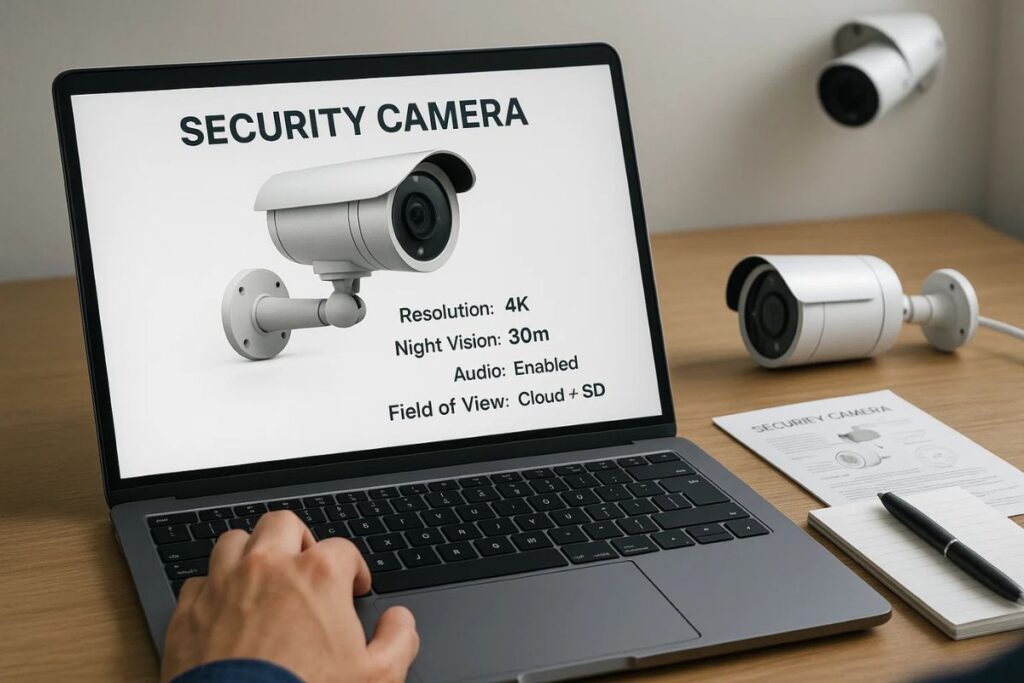
One of the most straightforward ways to determine whether a security camera records audio is by reviewing its technical specifications. This method doesn’t require any setup or testing and can typically give you a clear answer right from the start.
Read the Packaging or Manual
Begin by examining the product’s retail box, instruction manual or datasheet. Manufacturers often highlight key features prominently, especially if audio is supported. Look for mentions of built-in microphones, voice capture, or audio functionality. This information is usually located near the list of camera capabilities or connection types.
Research the Model Online
If the packaging is unclear or you’ve purchased the camera online, search for the exact model number on the manufacturer’s website or trusted retailer platforms. Reputable listings will typically include a specifications tab detailing features such as audio input, recording modes, and two-way communication.
Some brands even offer downloadable PDF datasheets, which provide in-depth technical information, including whether the camera includes a microphone, supports external audio input, or has two-way audio features.
How to Tell If Security Cameras Have Audio?
Pay close attention to terminology in the specs. Phrases like “two-way audio,” “built-in mic,” “audio input/output,” and “real-time audio monitoring” usually confirm the presence of sound capabilities. Be cautious, however, as some models may list “audio ready,” which often means the device supports audio only when paired with an external microphone. For seamless communication and advanced security performance, check out our AU Vision CCTV camera packages, equipped with the latest technology.
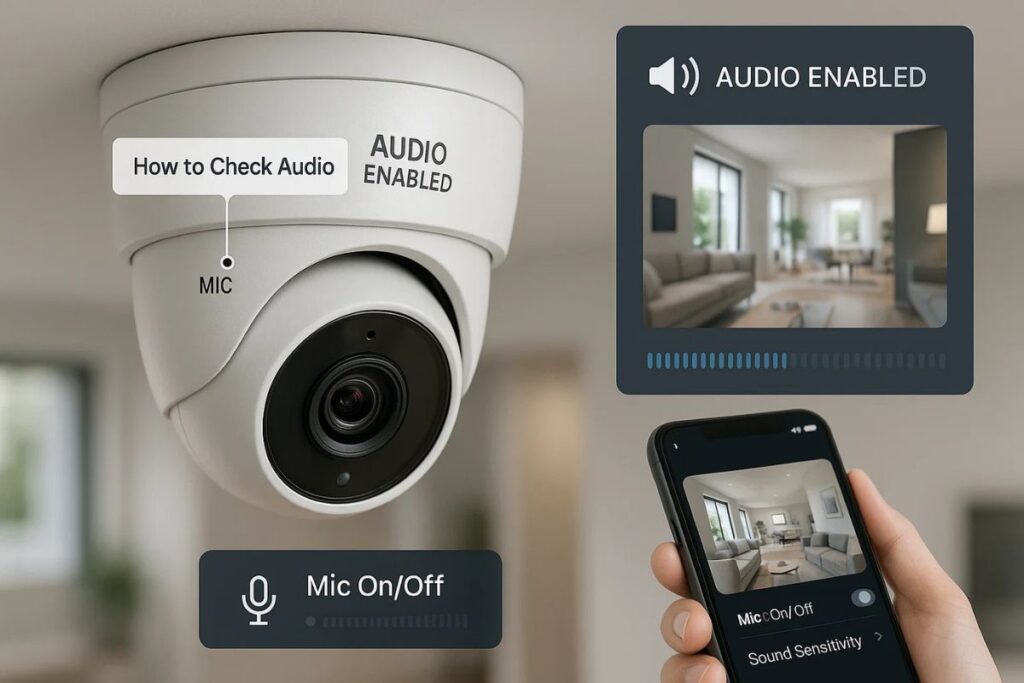
Understanding these differences can help prevent confusion, especially when shopping IP cameras, where audio features are often bundled with app-based controls or smart integrations. You can also get expert alarm system setup in Melbourne to ensure your security devices work seamlessly together.